
Four AI demonstrations
AI Motion.
AI for CCTV and documents.
AI demonstrations for LAOs and organizations with large CCTV networks or document volumes. The demos use simulated data for presentation; details and sources are at the end of each demo.
Demonstrations
Four demos.
One presentation flow.
Open any demo directly, or present them in order from 01 to 04.
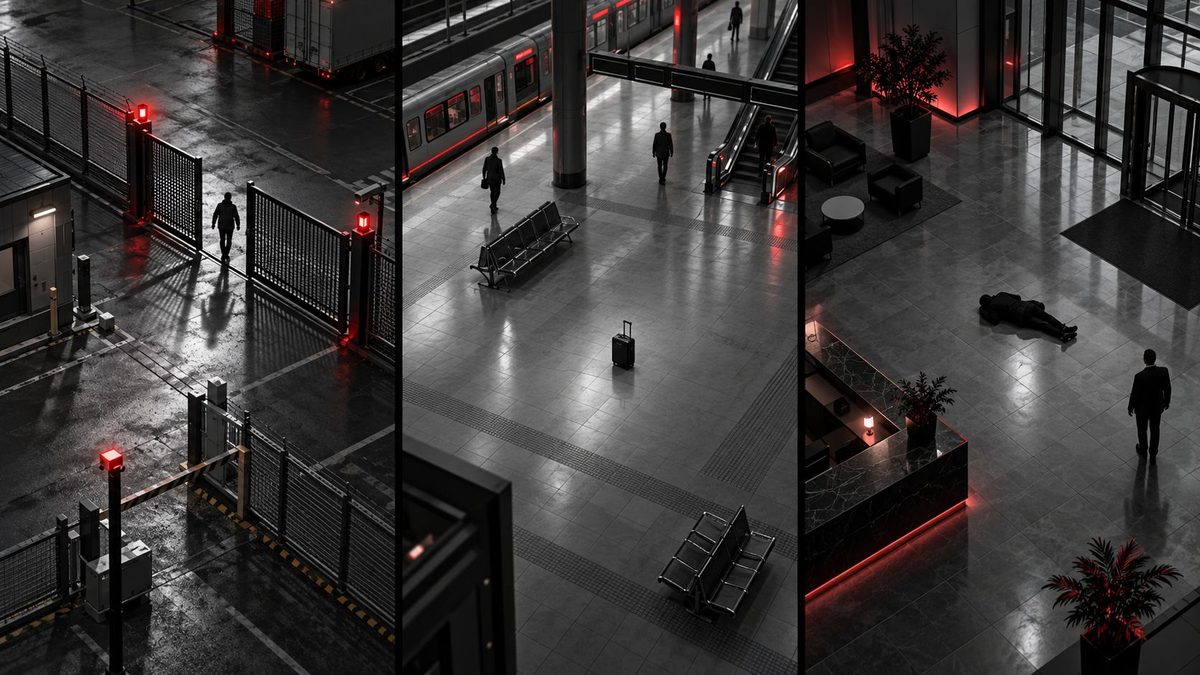
AI CCTV Command Center
From local camera footage to incident alerts with the camera location, so officers can verify and coordinate a response.
Open demo: AI CCTV Command Center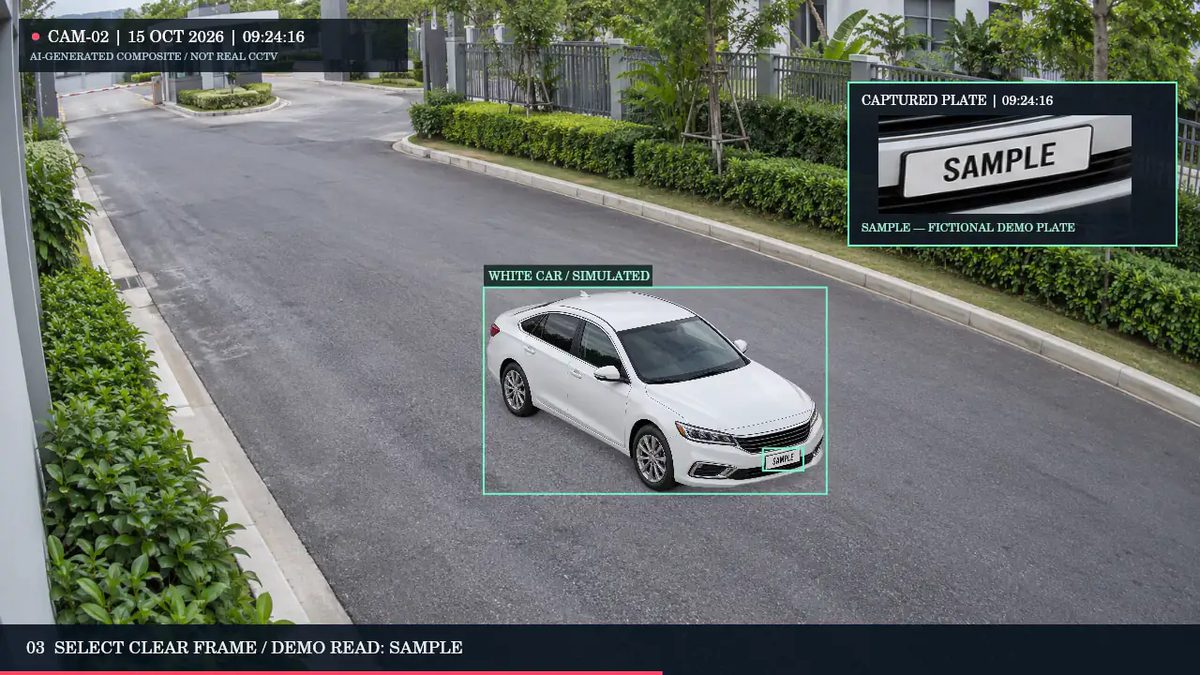
Video Event Search
Pick out the video segments that match your criteria, so officers can verify faster.
Open demo: Video Event Search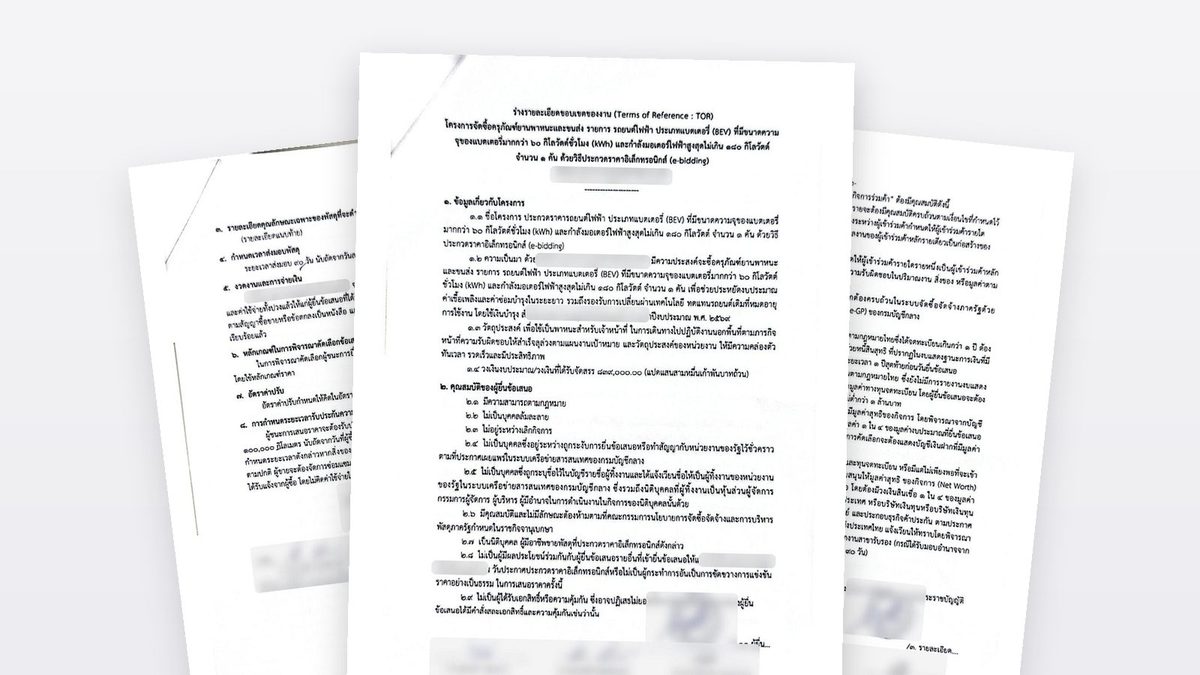
Document AI
From existing files and incoming documents to readable text, and a knowledge base you can build on.
Open demo: Document AI
DGX B300
Process data inside your organization and deliver AI through access controls and a central API.
Open demo: DGX B300


Before a pilot
What to agree
before a pilot.
The CCTV demo starts with a pilot area and measurable criteria. Video search and document projects are planned the same way.
Pilot scope
- Pilot area, cameras and incident types
- Data scope and access rights
- Network and the AI models to use
Evaluation criteria
- Incidents detected, compared against a verified reference set
- False alerts per camera per day
- Alert time, from detection to the officer’s screen
- Officer acknowledgment and response
Data and hardware
- Role-based permissions, retention periods and logged searches and exports
- A real 100-page document test before setting resources
- For hardware on site: rack, weight, maintenance space, power and cooling confirmed with the vendor
Further reading: Network, Wi-Fi and CCTVCCTV storage calculatorRequest a quote by email
How it works
From camera or document
to a verified result.
Define what to look for
Cameras, incident types and data scope for CCTV; departments, years and document types for archives.
AI shortlists and reads
AI flags incidents and video segments that may match, and reads the text of scanned documents.
Officers verify
Officers review the original images or pages, then confirm or reject each item and record the result.
Search and reuse
Results keep their camera, time and page references and are searched and analyzed according to access rights.
Who it is for
LAOs and organizations
with many cameras.
Local administrative organizations
LAOs at every level: provincial, municipal and subdistrict.
Organizations with many cameras or documents
Organizations operating large CCTV networks or holding large volumes of documents.
Questions
Frequently asked.
Are the demos live systems?
No. Data, incident images, camera points and maps are simulations for presentation, and the demos are not connected to real cameras, vehicle registration or personal databases. Details and sources are at the end of each demo.
Does the video demo identify people?
No. The example searches object attributes such as the color or type of a vehicle. It does not identify people or match faces.
Where do the DGX B300 figures come from?
From the NVIDIA documents cited in each section of the demo. Estimates are theoretical calculations, not benchmark results or capacity guarantees.
Can we present the demos on a TV?
Yes. The demos work on phones, tablets, computers and TVs, in portrait or landscape. Connect a TV or projector and open the overview page.